Give your artwork an inked, tactile edge with Tattoo, a skin-realistic effect that blends your designs seamlessly into natural texture. Built to emulate real pores, micro-creases, and the subtle diffusion of ink, this Photoshop effect transforms flat graphics into convincing tattoos with depth, grit, and authenticity.
Crafted with editable Smart Object layers, simply drop your design into the placeholder and watch it absorb into the skin, complete with natural lighting, tonal variation, and true-to-life surface detail.
Perfect for showcasing lettering, flash sheets, illustrations, and bold artwork that calls for realism, character, and a hand-crafted finish.
Features:
Give your artwork an inked, tactile edge with Tattoo, a skin-realistic effect that blends your designs seamlessly into natural texture. Built to emulate real pores, micro-creases, and the subtle diffusion of ink, this Photoshop effect transforms flat graphics into convincing tattoos with depth, grit, and authenticity.
Crafted with editable Smart Object layers, simply drop your design into the placeholder and watch it absorb into the skin, complete with natural lighting, tonal variation, and true-to-life surface detail.
Perfect for showcasing lettering, flash sheets, illustrations, and bold artwork that calls for realism, character, and a hand-crafted finish.
Features:


 Image 1 of 6
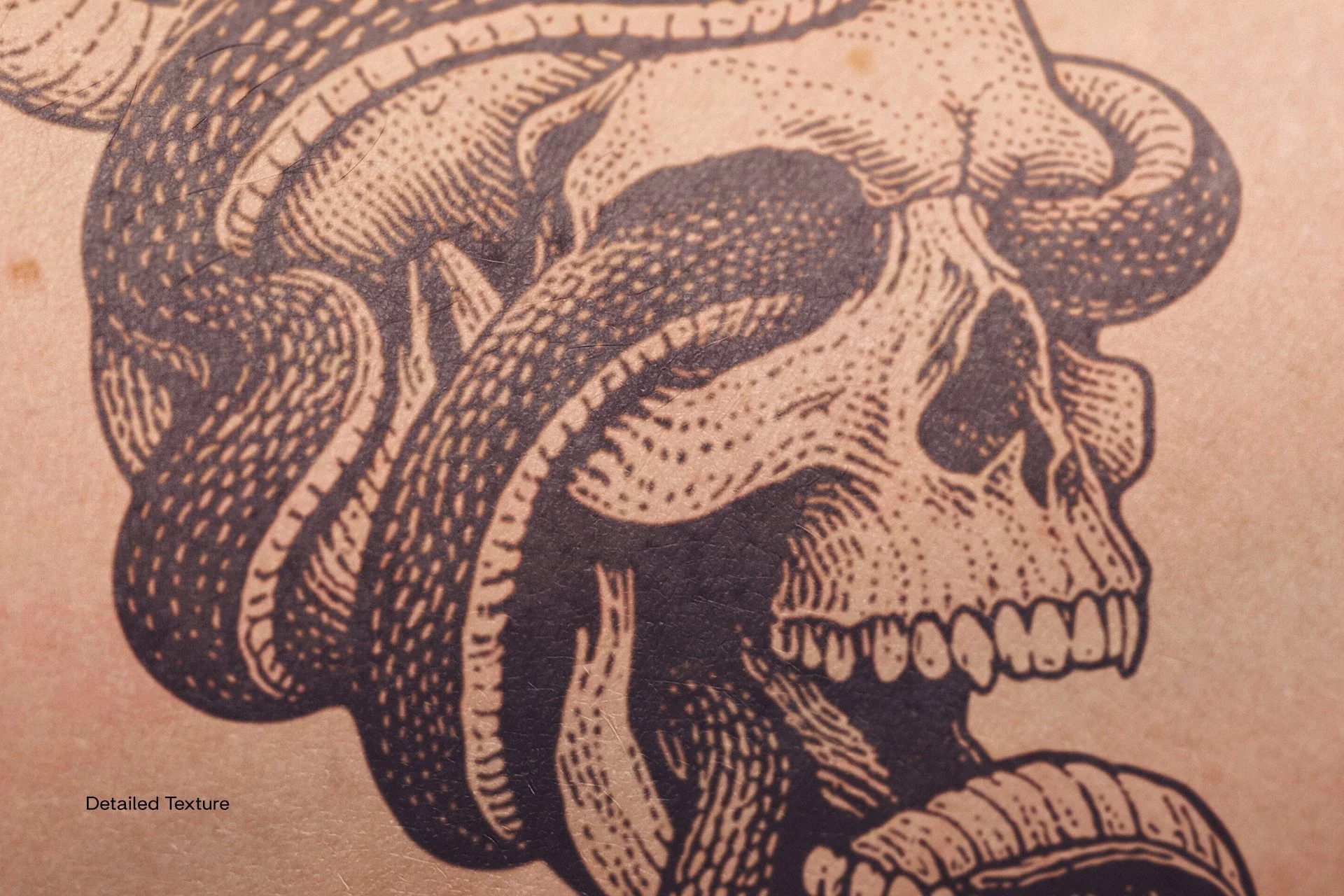 Image 2 of 6
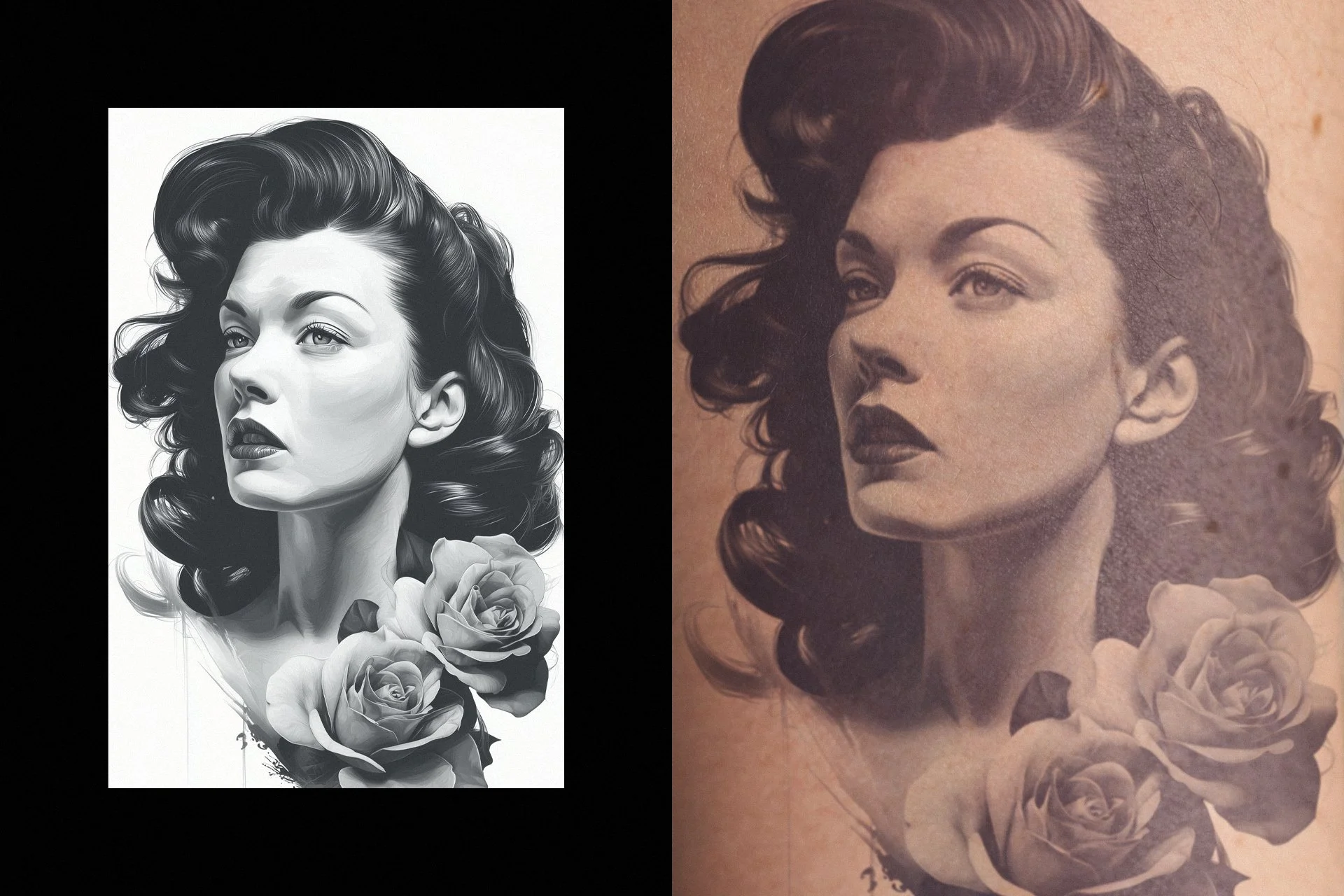 Image 3 of 6
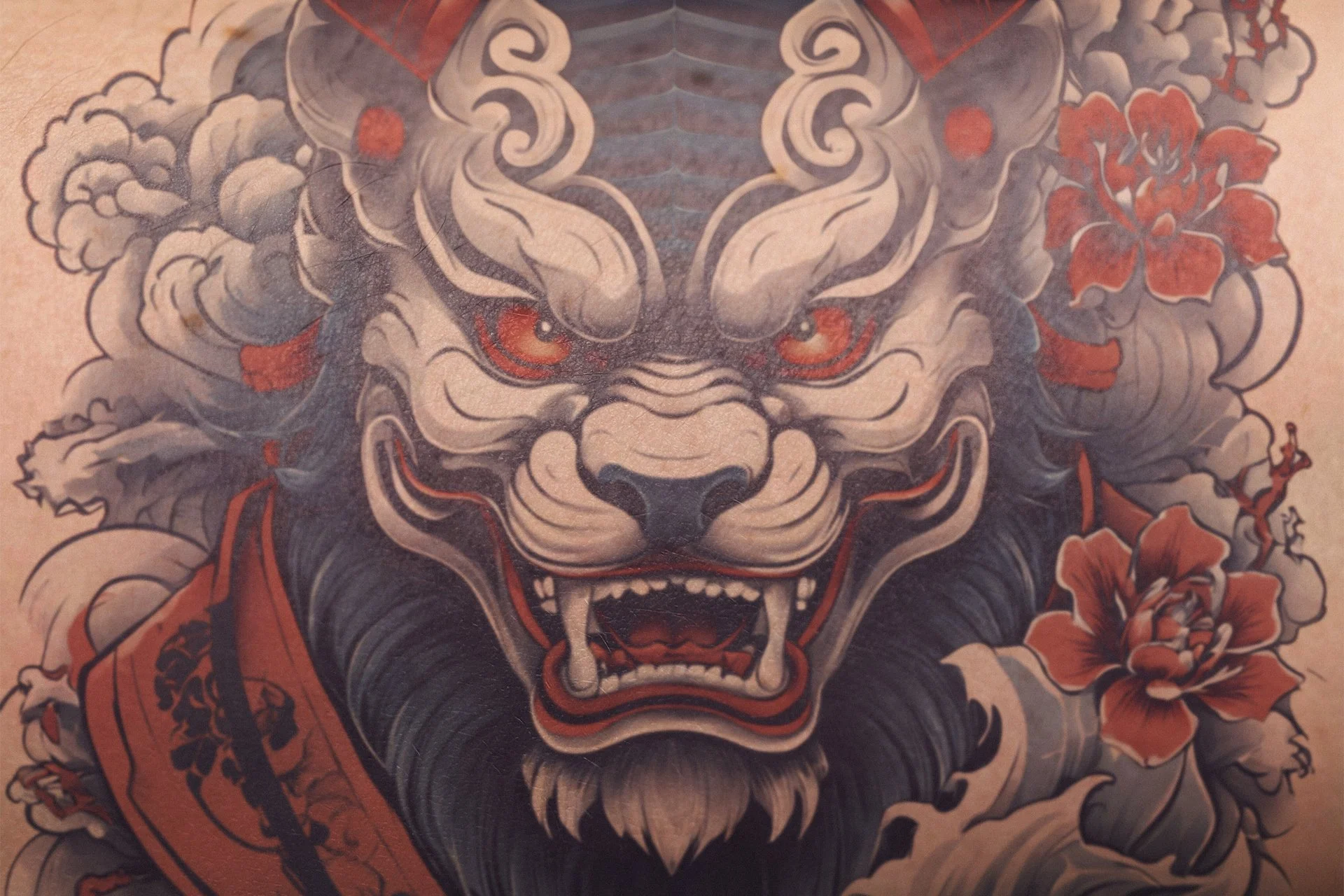 Image 4 of 6
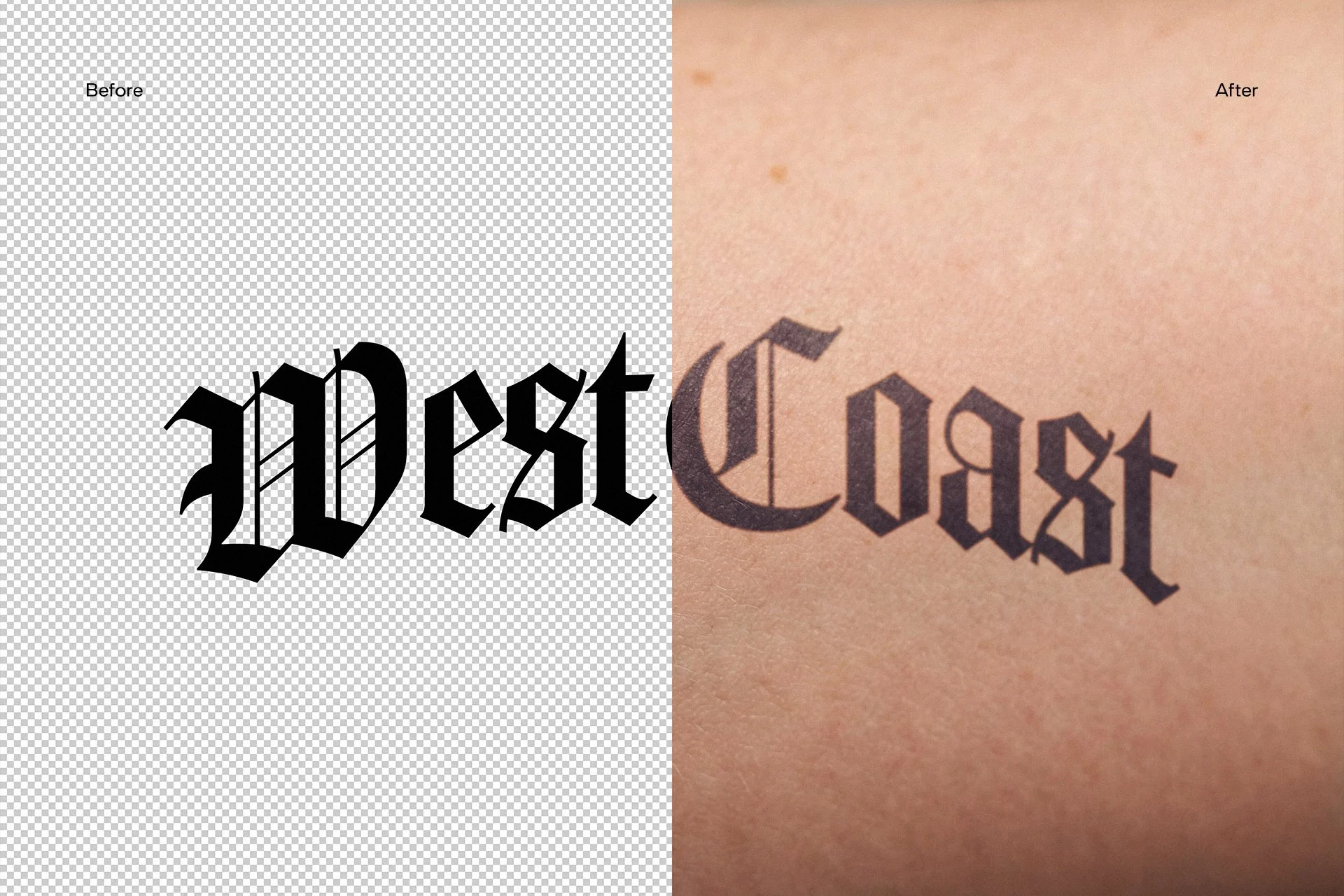 Image 5 of 6
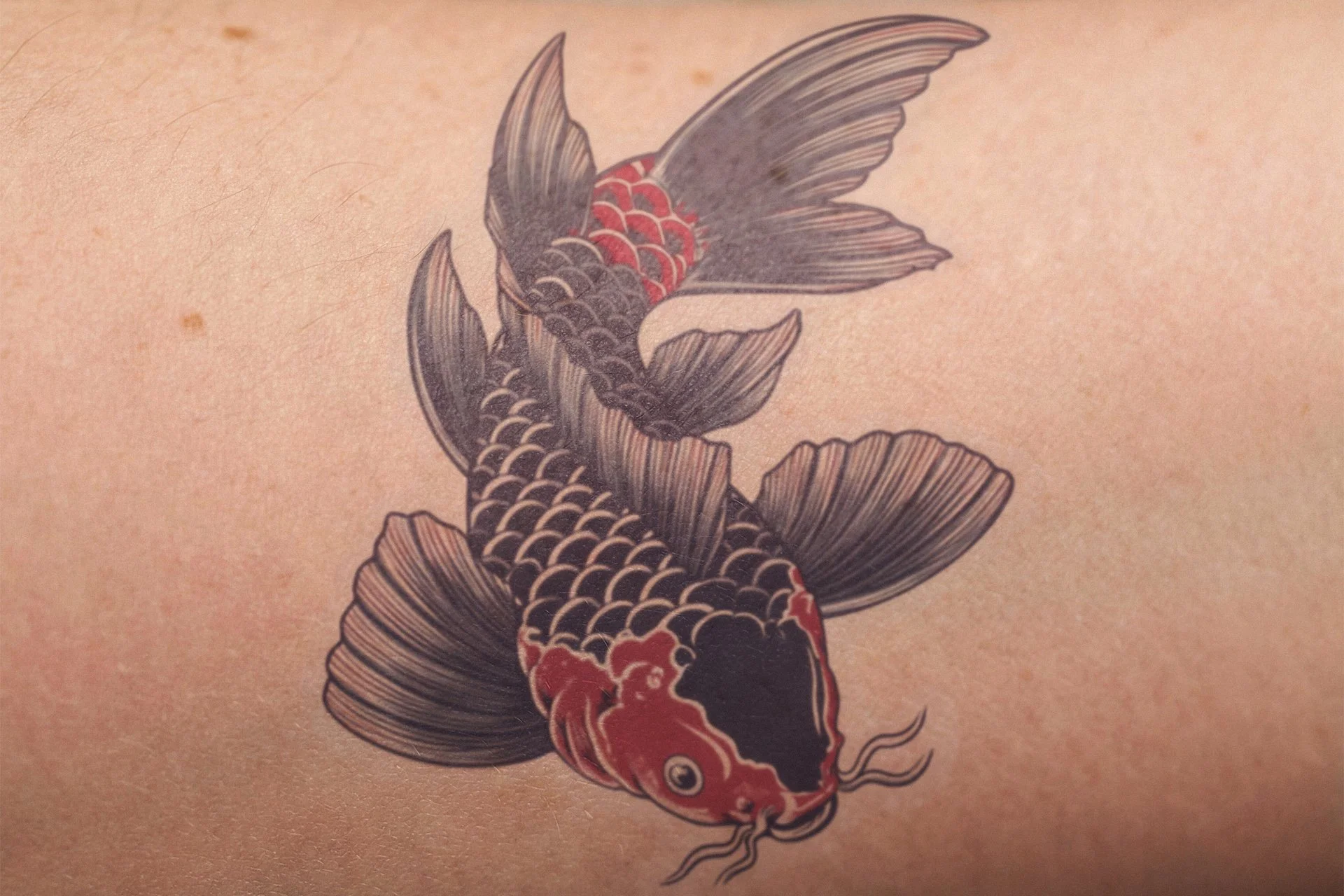 Image 6 of 6